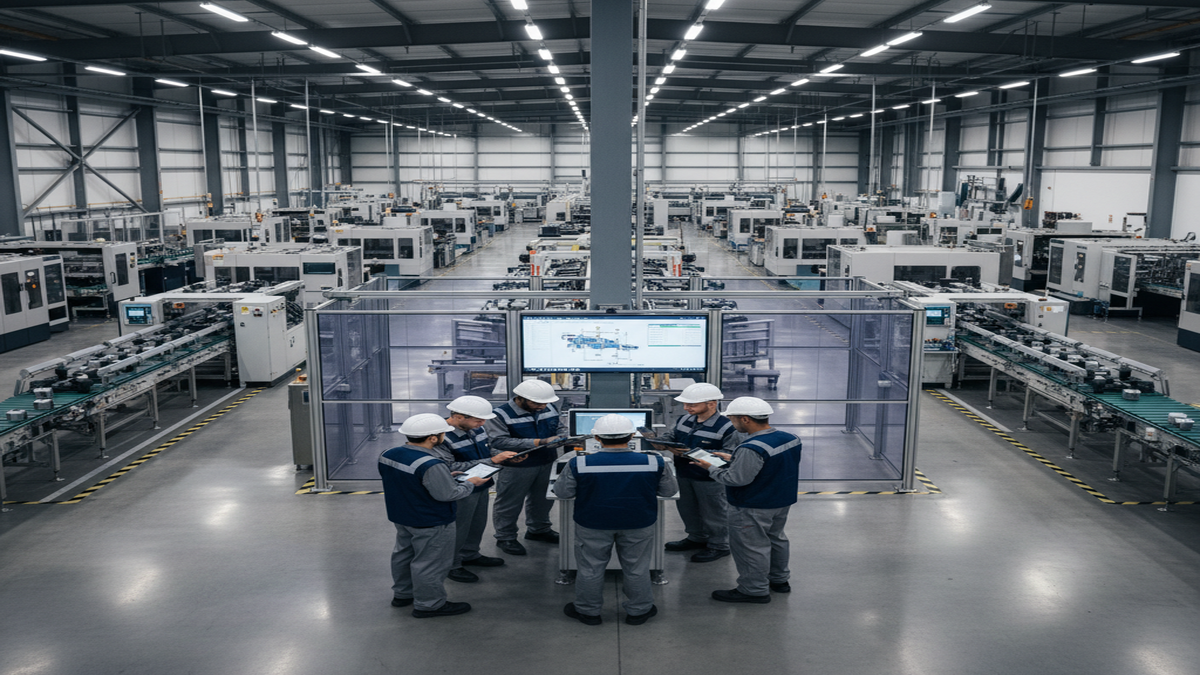
Improve operational efficiency with a purpose-built PLM system designed for mixed model assembly that allows you to create new process plans with ease. Improve traceability, scalability, and accuracy by:
- Expediting your process planning with predefined workflows
- Centralizing your production data
- Streamlining your change management with synchronized work instructions
Proplanner helps you determine the HOW by providing workflows that glue together the components of production.
Proplanner’s Assembly PLM solution is the only Assembly-Focused PLM system available in the market today









Discover the Missing Link to Digital Work Instructions
Join us for a live 45-minute webinar and discover how Proplanner is the missing link needed for true digital transformation and process planning efficiency.
Proplanner is the leader of PLM-MDM (Manufacturing Data Management for the Product Lifecycle) solutions
Proplanner’s Assembly PLM solution is the only Assembly-Focused PLM system available in the market today. While generic PLM systems can provide toolkits for companies to develop an Assembly PLM environment, this effort takes a great deal of time, money, and rare talent which companies should be spending on their own product development efforts (i.e. not re-inventing cost-effective, deployable solutions like Proplanner).
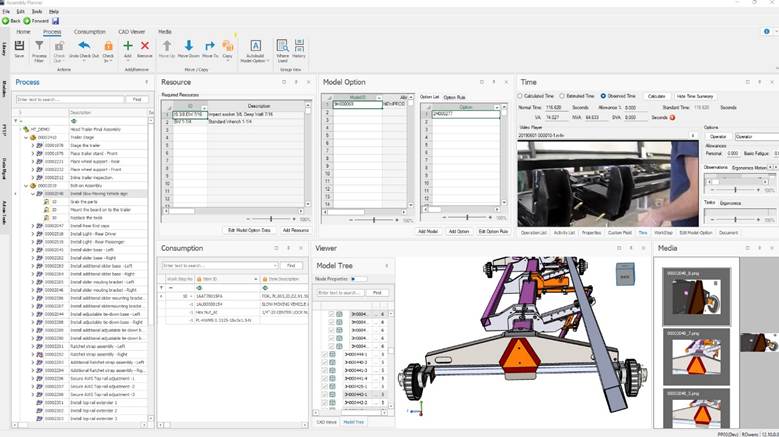
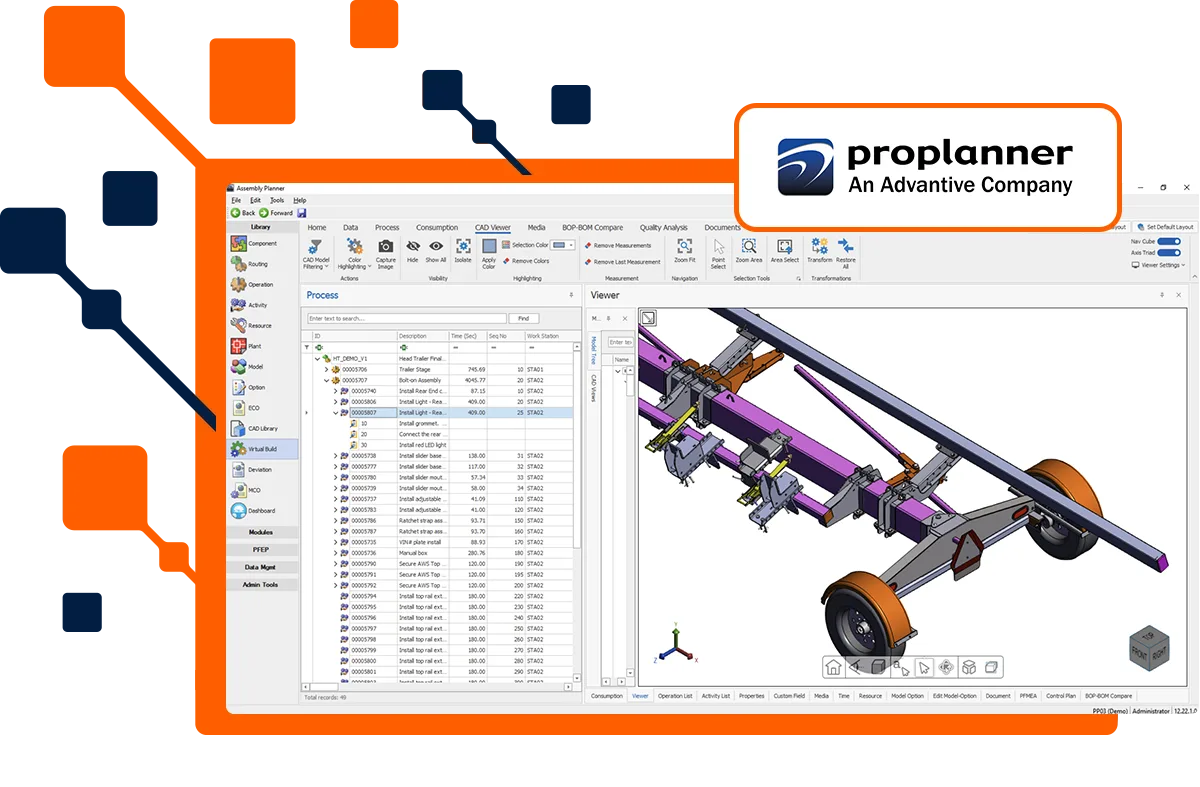
Proplanner’s PLM system includes 3D CAD Model Visualization/Annotation Editing, Process Video Capture and Analysis, a full Manufacturing Data Management (MDM) environment with integrated Computer Aided Process Planning (CAPP), Advanced Production Scheduling (APS) and downstream Manufacturing Execution (MES) which incorporates transactional Plan For Every Part (PFEP) electronic Kanban and Kitting.
PLM for Manufacturing – Manufacturing Engineering Change Processing
- Predefined workflows and data models optimized for assembly planning make for quick and effective deployment with guaranteed results.
- Proplanner supports a wide range of workflows and will meet clients’ needs to ensure lean production.
- Proplanner visually shows the ECO impact in side-by-side and step-by-step comparisons.
Assembly Process Planning – Time Studies, Printed Work Instructions, Line Balancing, Machine Process Planning
- Integrated modules for Time Estimation, Line Balancing, Ergonomics, and Work Instructions designed specifically for assembled products guarantee the quickest results with the least amount of customization and training.
- Proplanner provides teams with advanced analysis and balance capabilities, leading to results such as a 34% improvement in utilization.
- Proplanner makes it easy to share data and have one common definition of the assembly process, so you can gather and present the information you need within minutes.
Manufacturing Execution Systems (MES) – Interactive Instructions, Data Collection
- Proplanner’s assembly oriented MES (Shop Floor Viewer MES) and Andon (Factboard) systems provide a bi-directional flow of task-level information between manufacturing engineers and shop floor workers.
- Publish Shop Floor Instructions directly from Assembly Planner’s Process Engineering database with annotated images, videos, controlled documents and even interactive 3D models are released via effectivity based on date, series, or even serial number.
- Dashboards and reports are available to track who installed components, the serial number of the components, when the component was installed, and any issues that were found.
Advanced Planning & Scheduling (APS) – Unit/Order Scheduling and Sequencing
- Unit-based Sequencing and daily/weekly Scheduling modules are optimized for the unique demands of complex mixed model production involving synchronized assembly lines.
- Proplanner scheduling and sequencing tools have full access to process and logistics data in the Assembly Planner database.
- Proplanner’s drag and drop user interface makes it easy to define constraints of varying severity and highlights issues found in different production sequences.
3D Virtual Assembly – View CAD Drawings, Filter and Manipulate Assemblies
- Increase the speed and quality of launching accurate work instructions and line balance scenarios to the shop floor while eliminating the cost of independent CAD viewers within Manufacturing Engineering and the Shop Floor.
- CAD Models of any (and multiple) formats can be combined and viewed within the Assembly Planner. Drawings are synced based on Engineering Changes.
- Users are free to filter by part, BOM, or process configuration data or by individual selection. Drawings can easily be used for dynamic planning as well as documentation purposes
Material & Logistics – PFEP, Flow Analysis, eKanban, eKitting
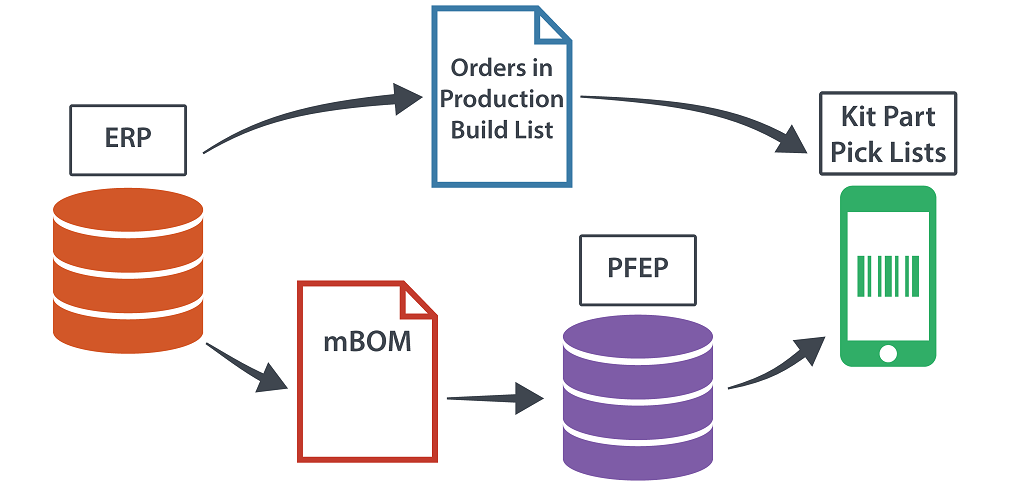
- A collaborative application used to document the storage and delivery plan for every part, with the ability to support execution and analysis. Low Cost, Easy to Use, and Quick Deploy eKanban and eKitting solutions designed specifically for Assembly plants.
- Proplanner provides a spreadsheet-based user interface for creating PFEP data, which can be directly transformed into physical kanban cards and electronic part picking signals. Part Requirements and Pick Lists are automatically updated when ECO’s are applied to the Assembly Planner. Synchronized Work Instructions and Kanban/Kit Lists reduce shop floor errors.
- Proplanner synchronizes process plans, work instructions, line balances, and part plans. Rapidly generate and compare scenarios based on changing inputs and assumptions. Dashboards and reports for supermarket operators, supervisors, and managers enable better decision-making and awareness of issues.
Proplanner simplifies and clarifies the assembly environment
Advantive & Proplanner solutions are used by manufacturers around the world in the automotive, recreational vehicle, aerospace, agriculture and construction, military, white goods, highway vehicles, electrical equipment, medical device, and academic industries.
Educational Resources
Proplanner provides blogs, videos, instructional guides and more through Advantive’s support offering and product resources. Proplanner also provides some software applications for use at select educational institutions. For more information about educational partnerships, please contact Advantive Support.
System Installation, Configuration, and Implementation
We collaborate with your manufacturing, engineering, and IT teams to ensure that all system requirements are met, user permissions are correctly defined, and the system has been tested before installation begins. We can help you to determine the best way to transition existing data into the system and the appropriate system settings to optimize performance.
Login to Support Portal about System Installation, Configuration, and Implementation
Flexible User Training
Learn how to navigate Proplanner efficiently while determining the best way to structure your data to maximize benefits. Onsite or through the web, for groups large or small, we can work with you to determine the best training approach for your team. Our hands-on training will save you time and rework, so you can create actual results faster.